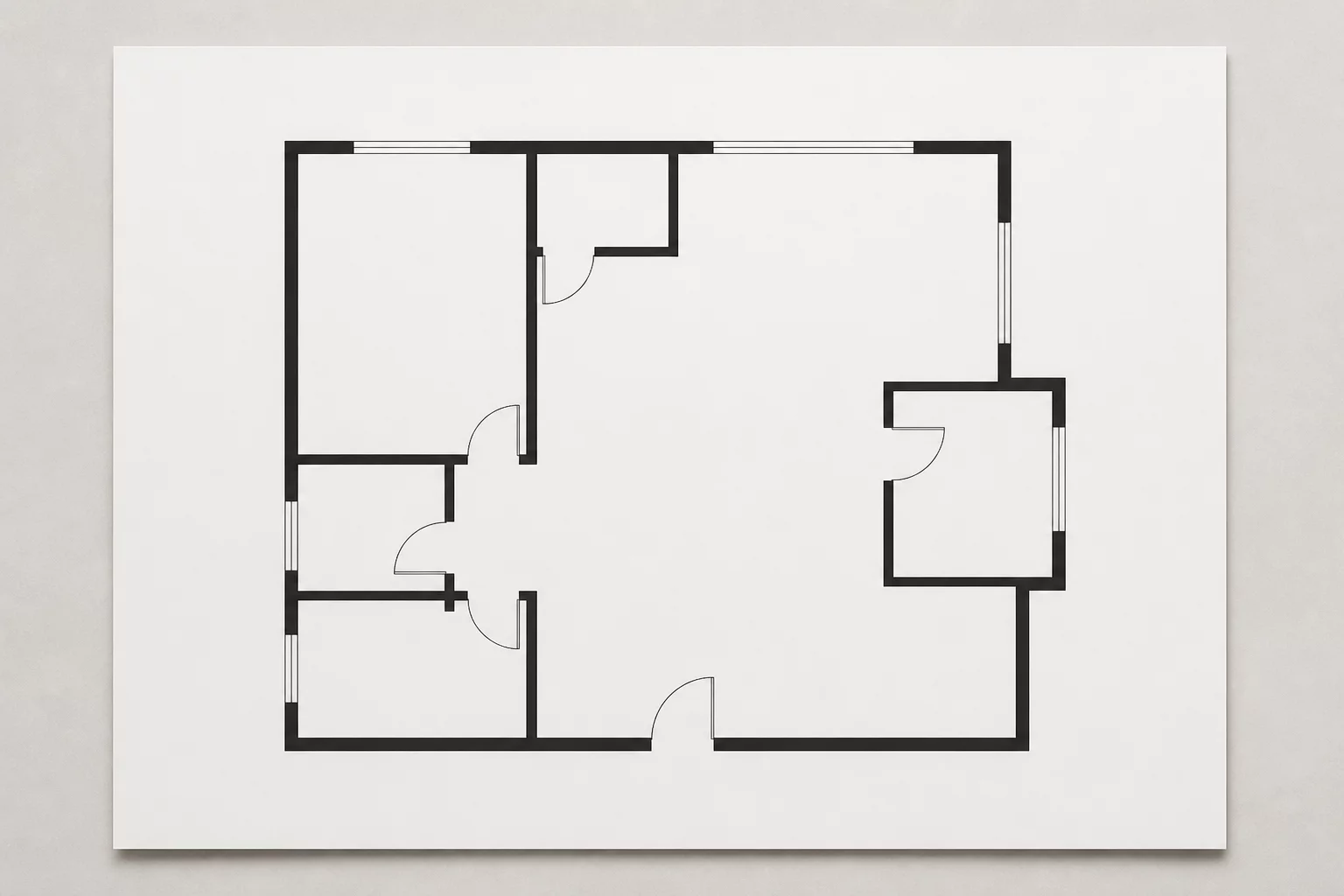
Viewport Strategy
Defining the Audience First
Learn why identifying the reader is the first step in viewport setup to prevent ambiguity and visual overload.

Master viewport logic, class graphic overrides, and drawing clarity in Vectorworks. Learn how to construct sheets that answer precise technical questions without visual clutter.
Explore step-by-step methodologies to control visual hierarchy, eliminate drawing noise, and calibrate detail levels for every design stakeholder.
Viewport Strategy
Learn why identifying the reader is the first step in viewport setup to prevent ambiguity and visual overload.
Annotation Logic
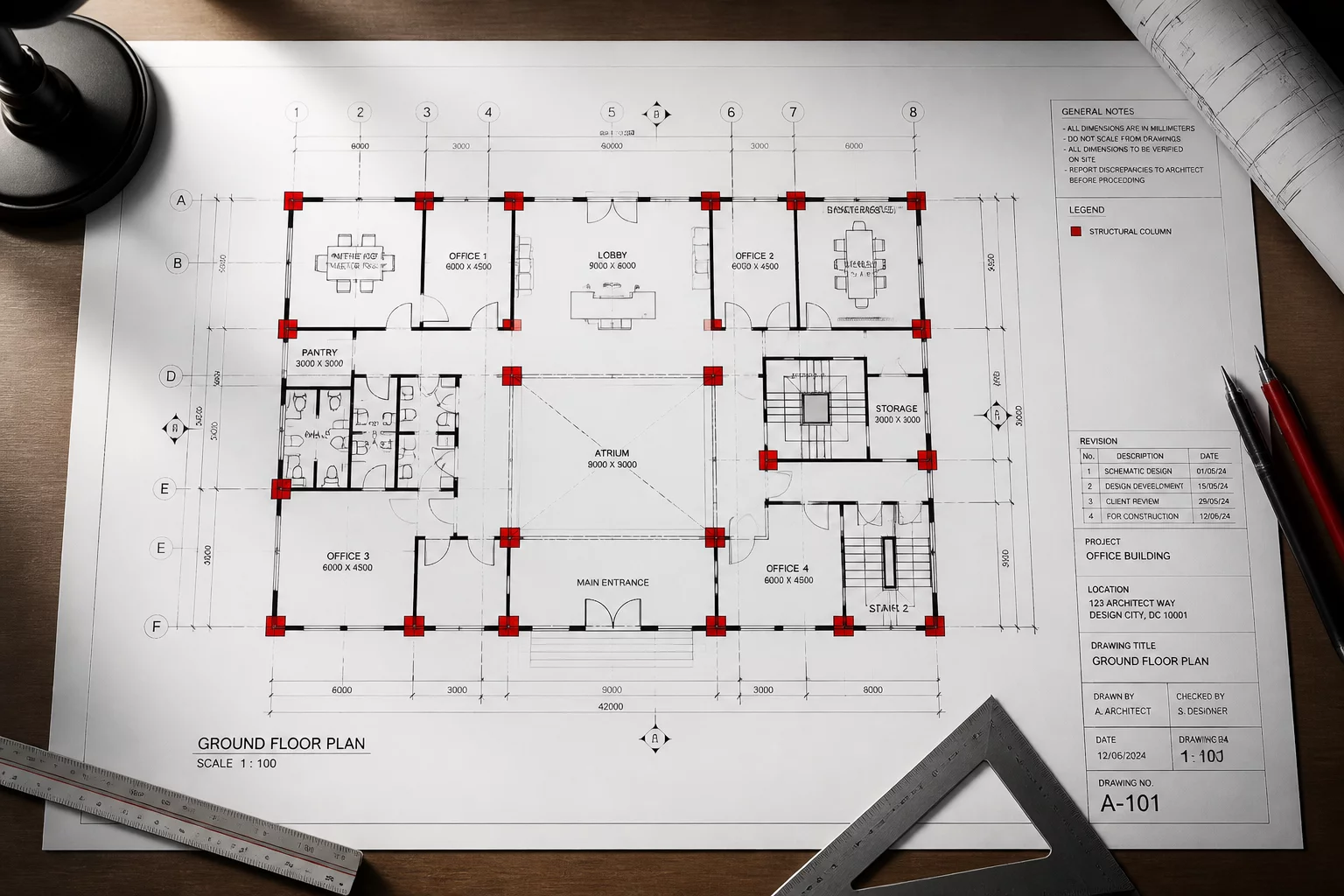
How to annotate based on the specific question the drawing answers without adding unnecessary graphical noise.
Layer Visibility
Strategies for managing design layer visibility in viewports to maintain crystal-clear structural separation.
Drawing Discipline
Why hiding non-essential information is just as important as displaying critical building geometry.
LOD Standards
Adjusting detail levels and graphic components to match the intent and scale of every architectural sheet.
Graphic Overrides
Using class overrides to emphasize critical design elements while subduing background contextual geometry.
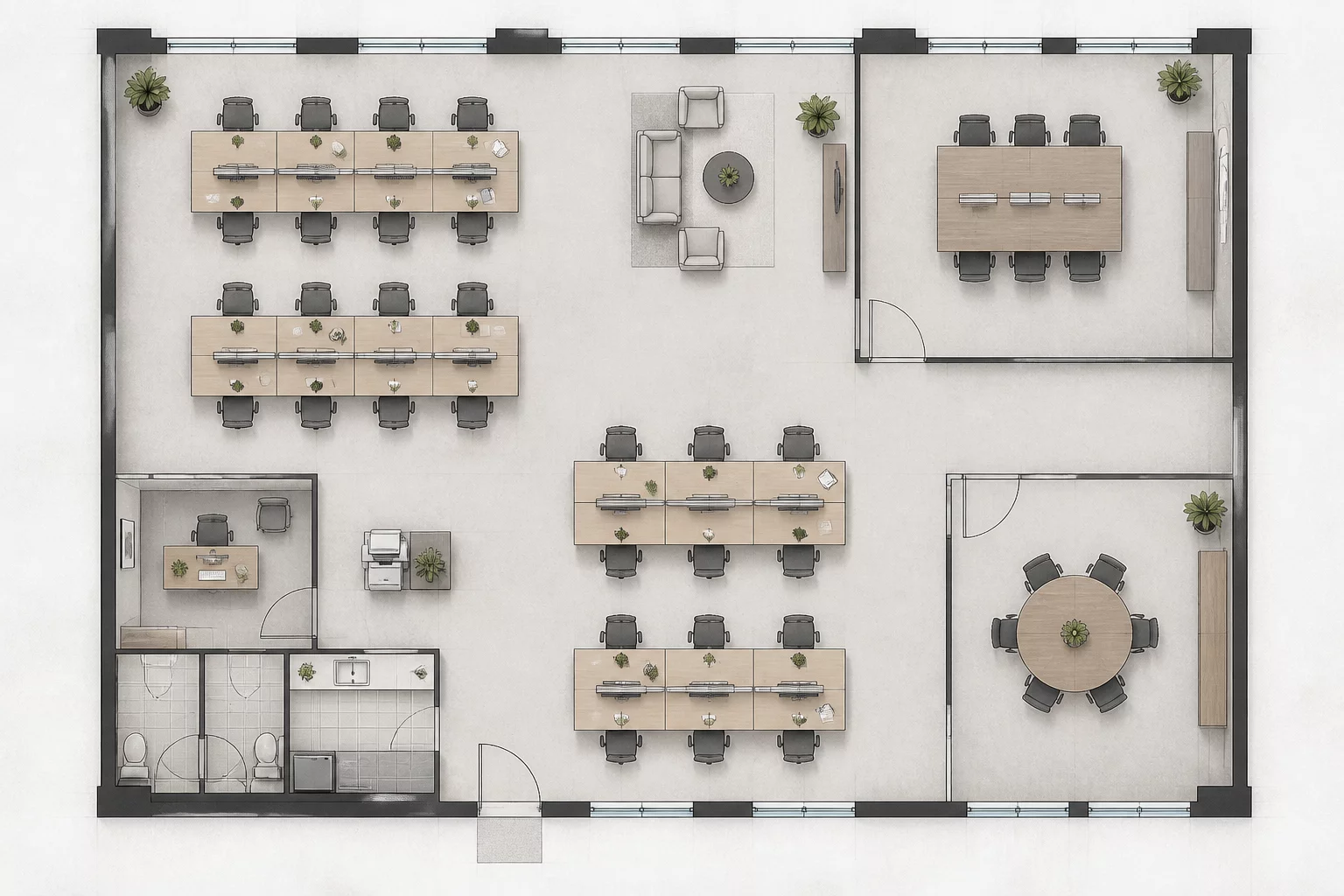
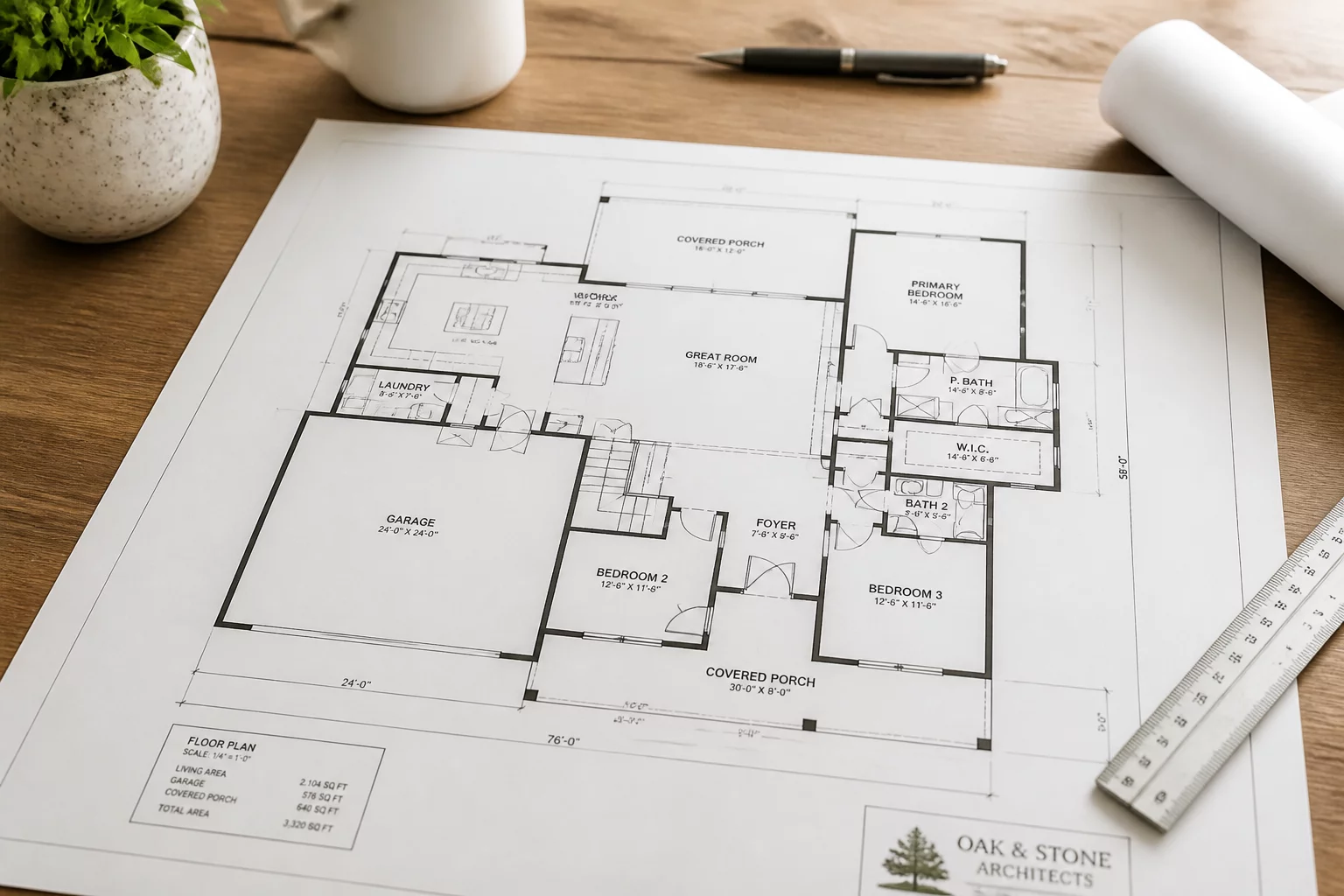
Interior Layout
What a dedicated furniture plan must show and what it must omit for clear interior fit-out coordination.
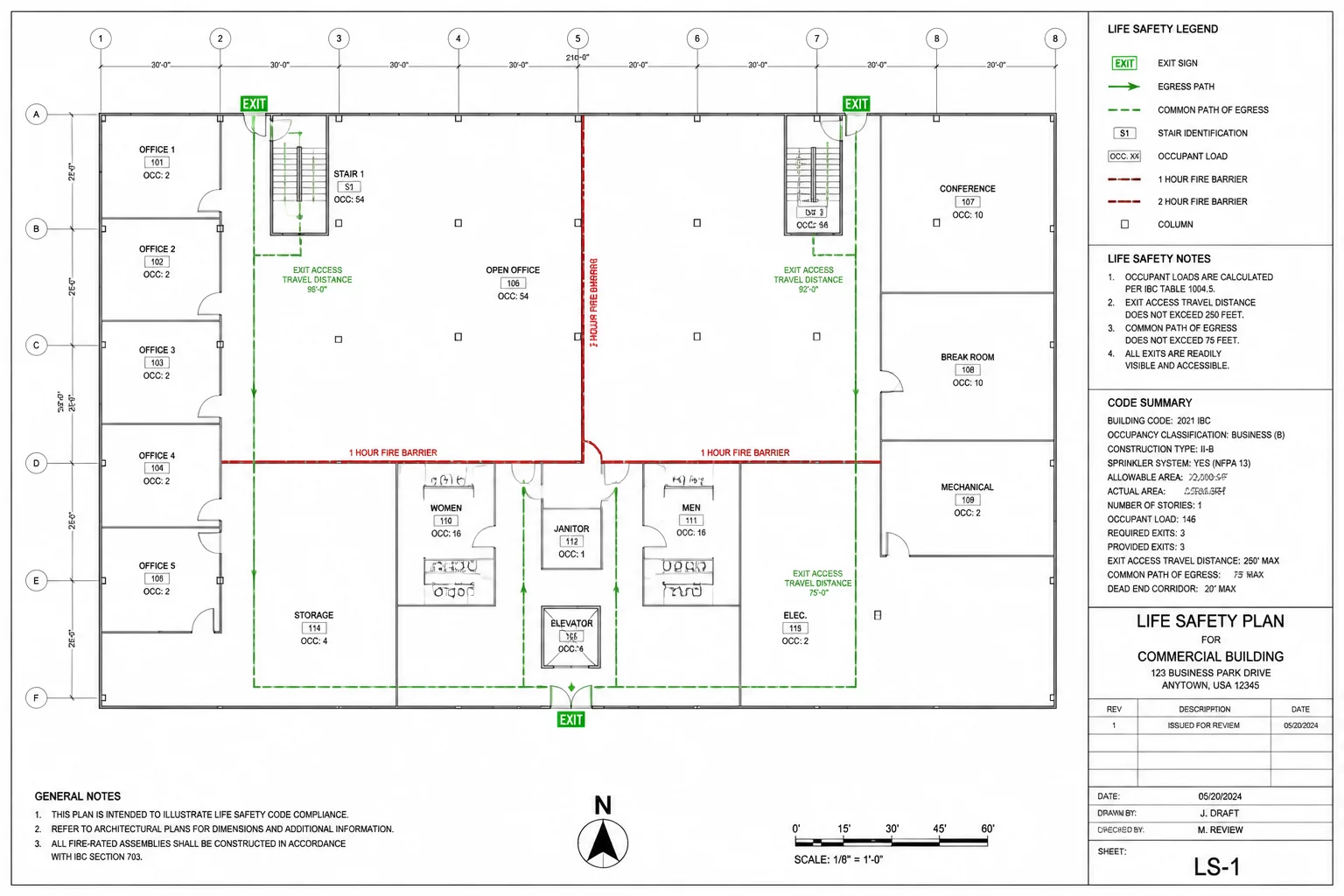
Code Compliance
Structuring a code plan to answer compliance questions directly and streamline official building authority reviews.
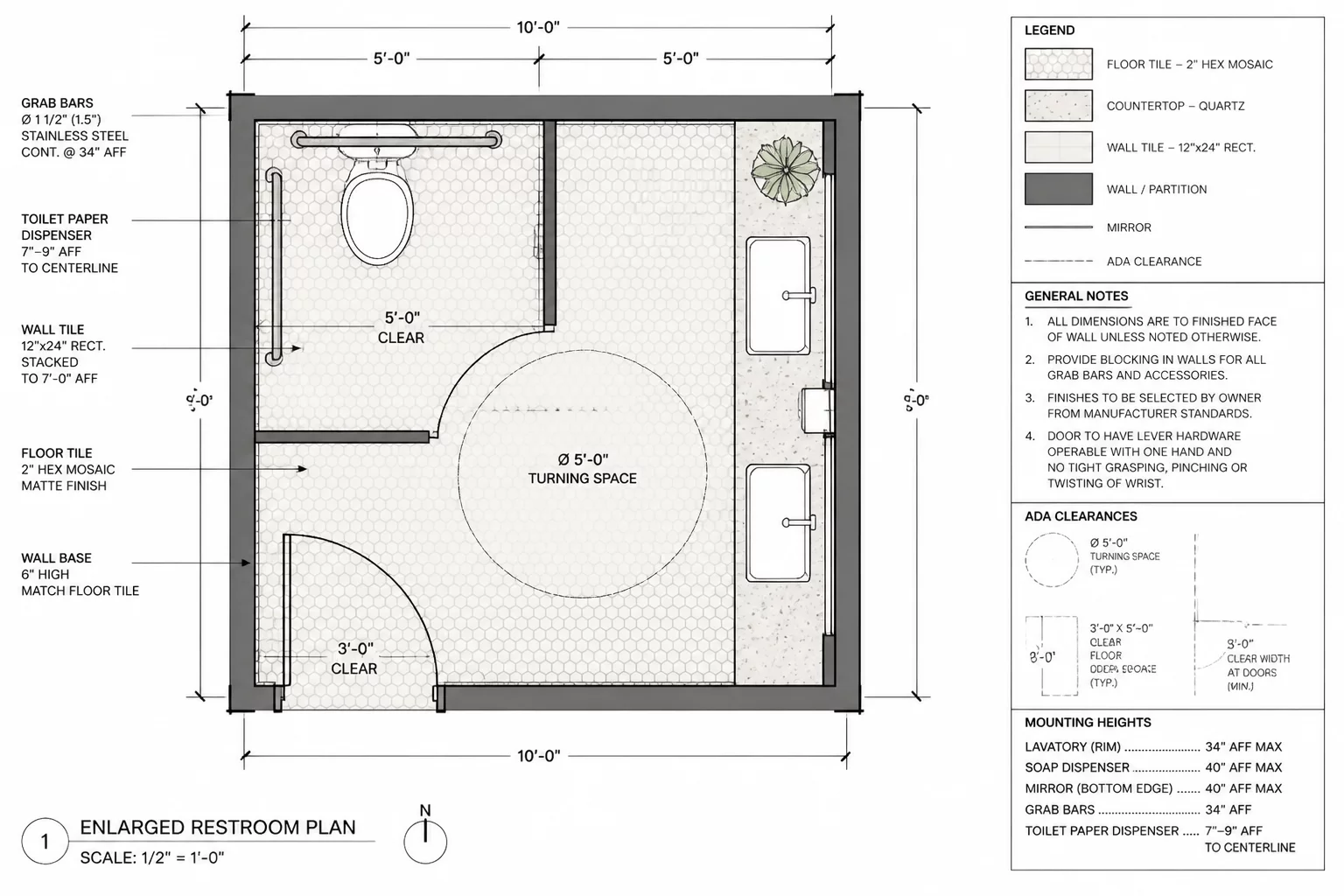
Enlarged Layouts
Focusing the enlarged room plan on specific construction details, finishes, and clear dimensional alignments.
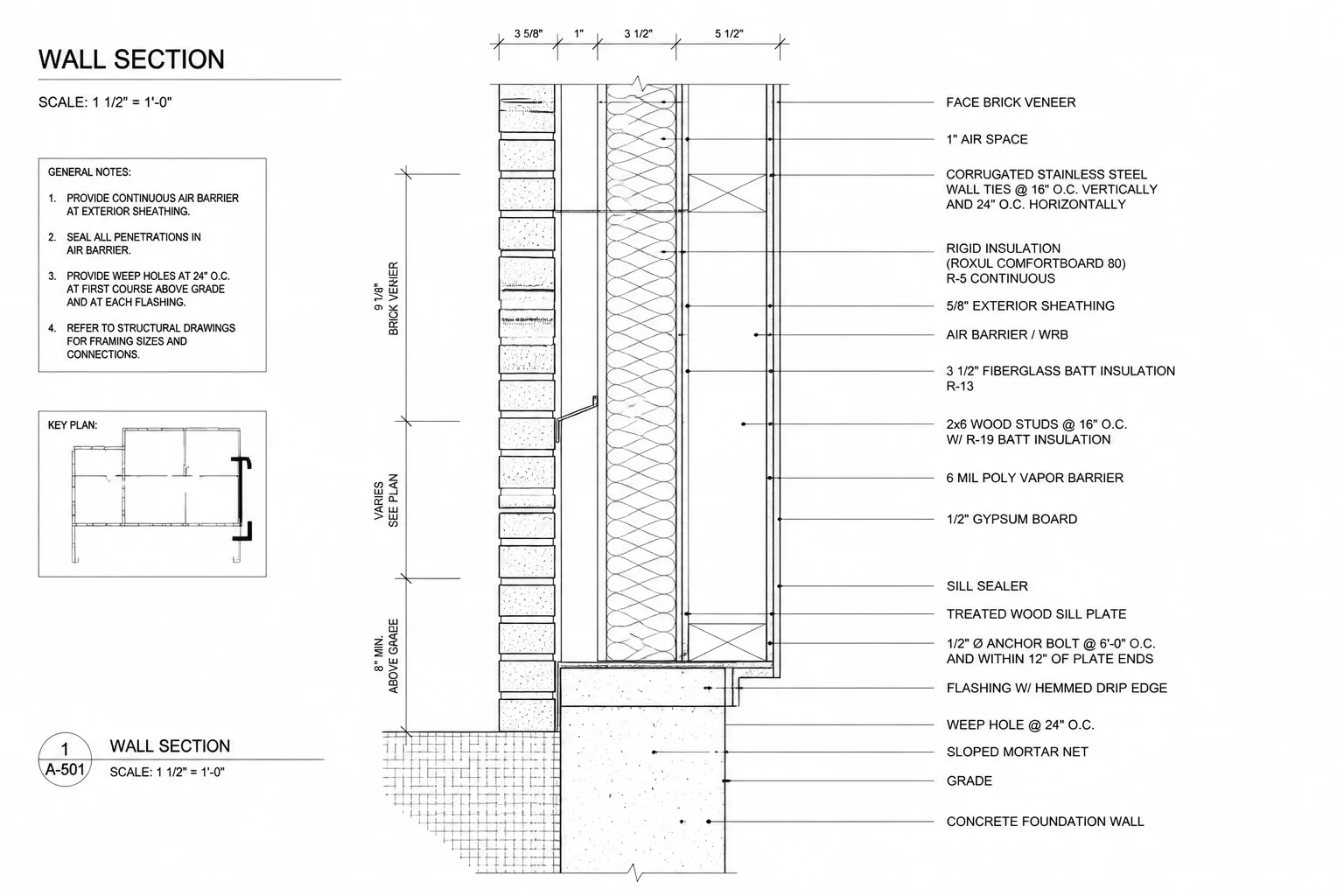
Detail Craft
Ensuring construction details communicate technical intent clearly through disciplined notation and layering.
Essential answers to help you structure sheet layers, overrides, and drawings effectively.