
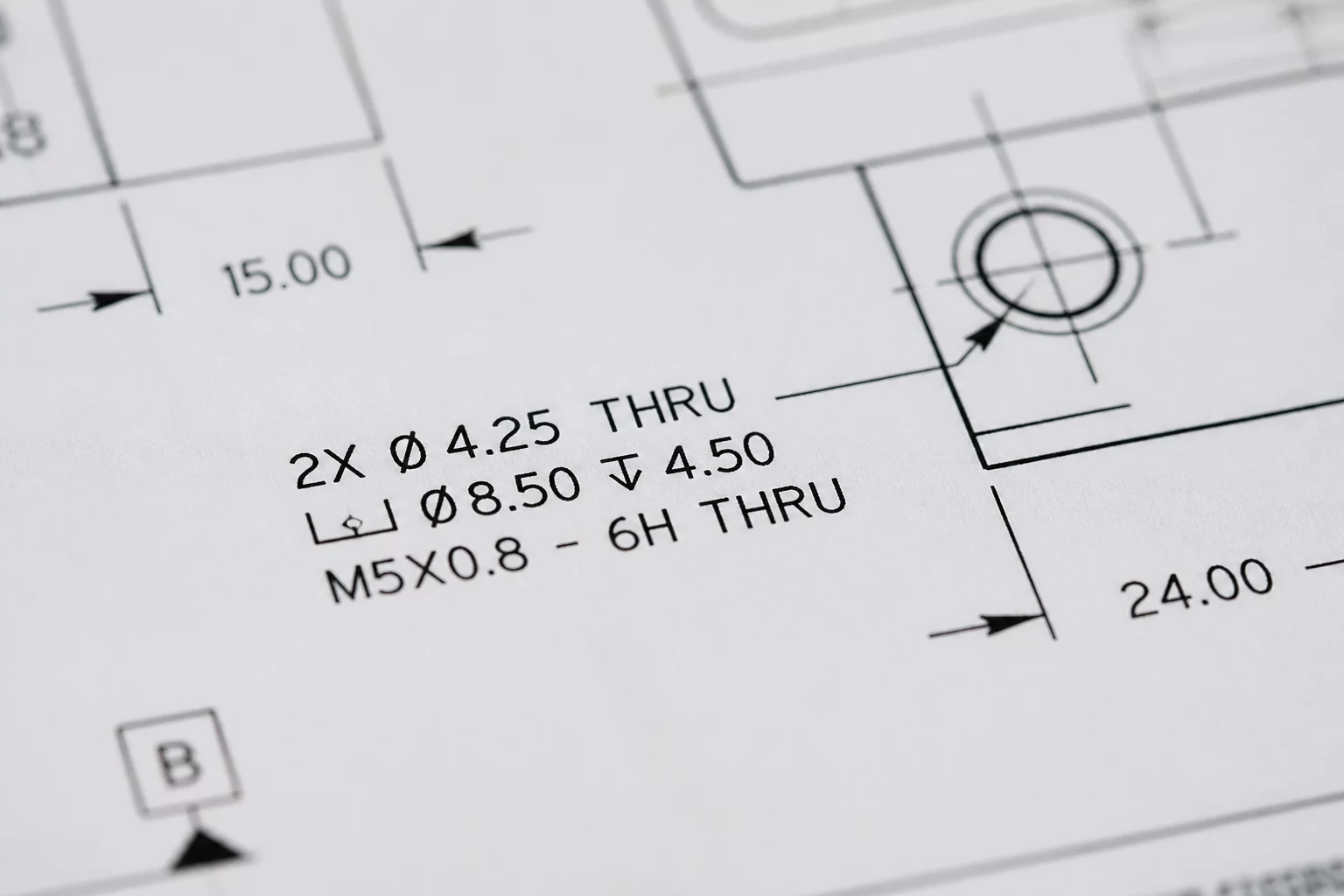
Eliminating Graphic Noise Through Viewport Inquiry
Every architectural drawing viewport is created to answer a distinct query from a contractor, engineer, client, or building inspector. When drafters populate a drawing sheet with standard annotation templates without asking what question that specific view resolves, drawings quickly turn into crowded visual mazes. Dimension strings duplicate information across plans, callouts reiterate standard notes already captured in project specifications, and critical dimensions drown in unnecessary leaders.
Question Driven Annotation establishes that no text note, dimension chain, or graphic marker enters a sheet layer viewport unless it directly supplies evidence for the viewport's core inquiry. By defining this core inquiry in Vectorworks before placing dimension chains, team members filter out peripheral data and direct the tradesperson's eye directly to actionable building instructions.
Core Rules for Query-Focused Drafting
-
1
Single Purpose per Viewport: Formulate a concise inquiry for each sheet viewport (e.g., "Where are the rough framing openings positioned relative to gridlines?") and exclude dimensions irrelevant to that question.
-
2
Hierarchy of Dimension Chains: Group dimensions into hierarchical strings—overall building span, structural bay intervals, and opening offsets—omitting interior millwork details from primary building layout sheets.
-
3
Data Callout Directness: Replace repetitive multiline paragraph blocks with targeted keynote references linked to synchronized Vectorworks database records.
-
4
Clean Separation of Layers: Keep viewport annotations strictly inside sheet layer annotations space rather than design layers to prevent cross-contamination between different disciplinary drawings.
"If a dimension does not answer the fundamental question of the sheet viewport, it is not information—it is visual friction that invites site errors."
Implementing Question-Driven Workflows in Vectorworks
Putting this methodology to work begins in the Sheet Layer Viewport setup dialog. Before editing viewport annotations, drafters should state the primary question in the viewport title or drawing coordination matrix. If setting up an enlarged wet-area layout, the primary question is "What are the exact clearances and rough plumbing fixture offsets?" Consequently, electrical conduit drops and ceiling finishes belong in separate coordinate viewports or reflected ceiling views.
Vectorworks provides class-based overrides and Data Tags to reinforce this hierarchy. By configuring Data Tag styles that dynamically harvest object record parameters only when relevant to the view's inquiry, you eliminate redundant static text. This maintains drawing coordination across revision cycles, as geometry changes update tag values without manually editing leader text.
Ready to Streamline Your Project Viewports?
Download our standardized View Intent Cards and transform how your architectural team structures drawings, viewports, and annotations.
Frequently Asked Questions
More Viewport Strategy Tutorials
 Strategy
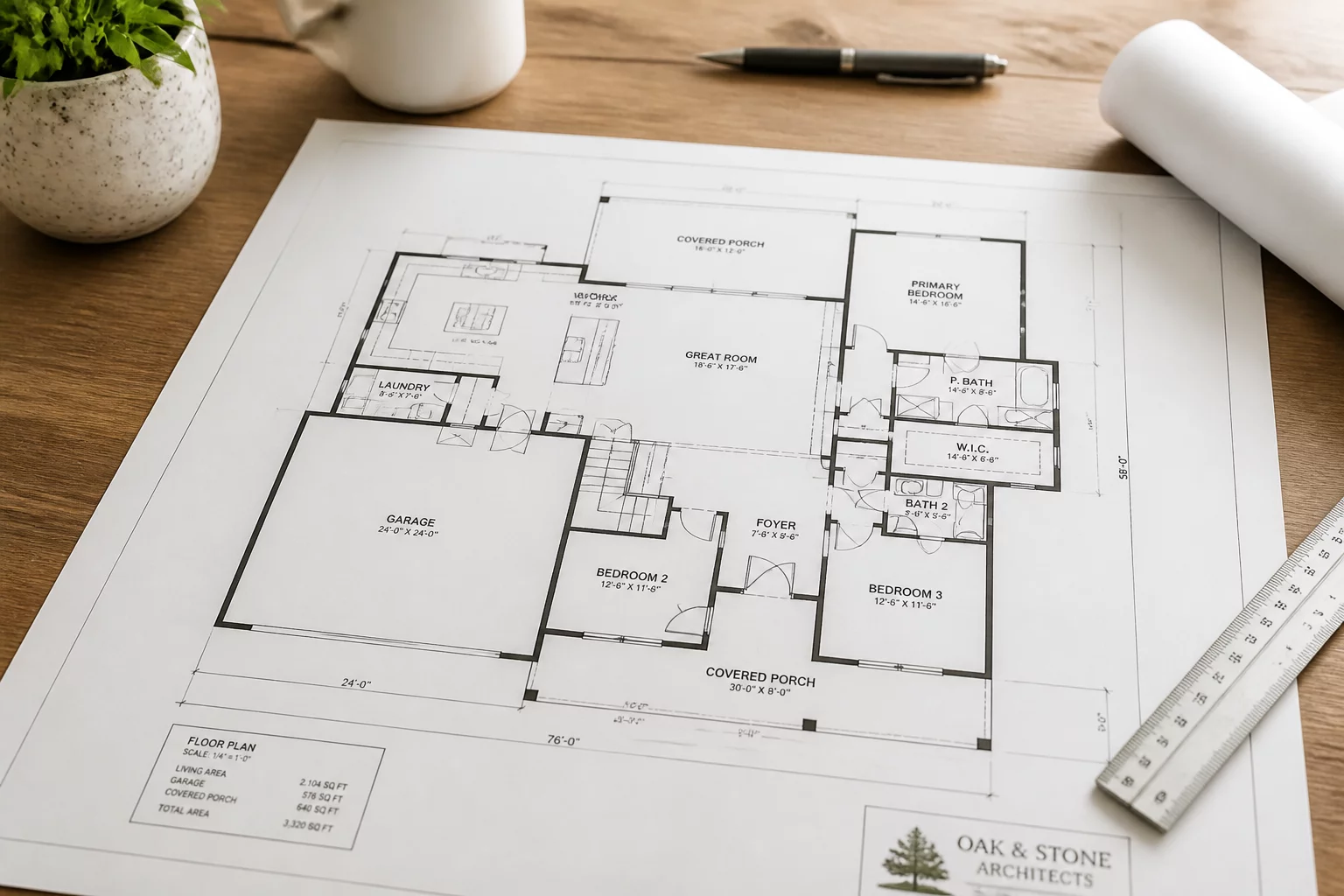
Defining the Audience First
Learn why identifying the reader is the critical first step in viewport configuration and graphic setup.
 Workflow
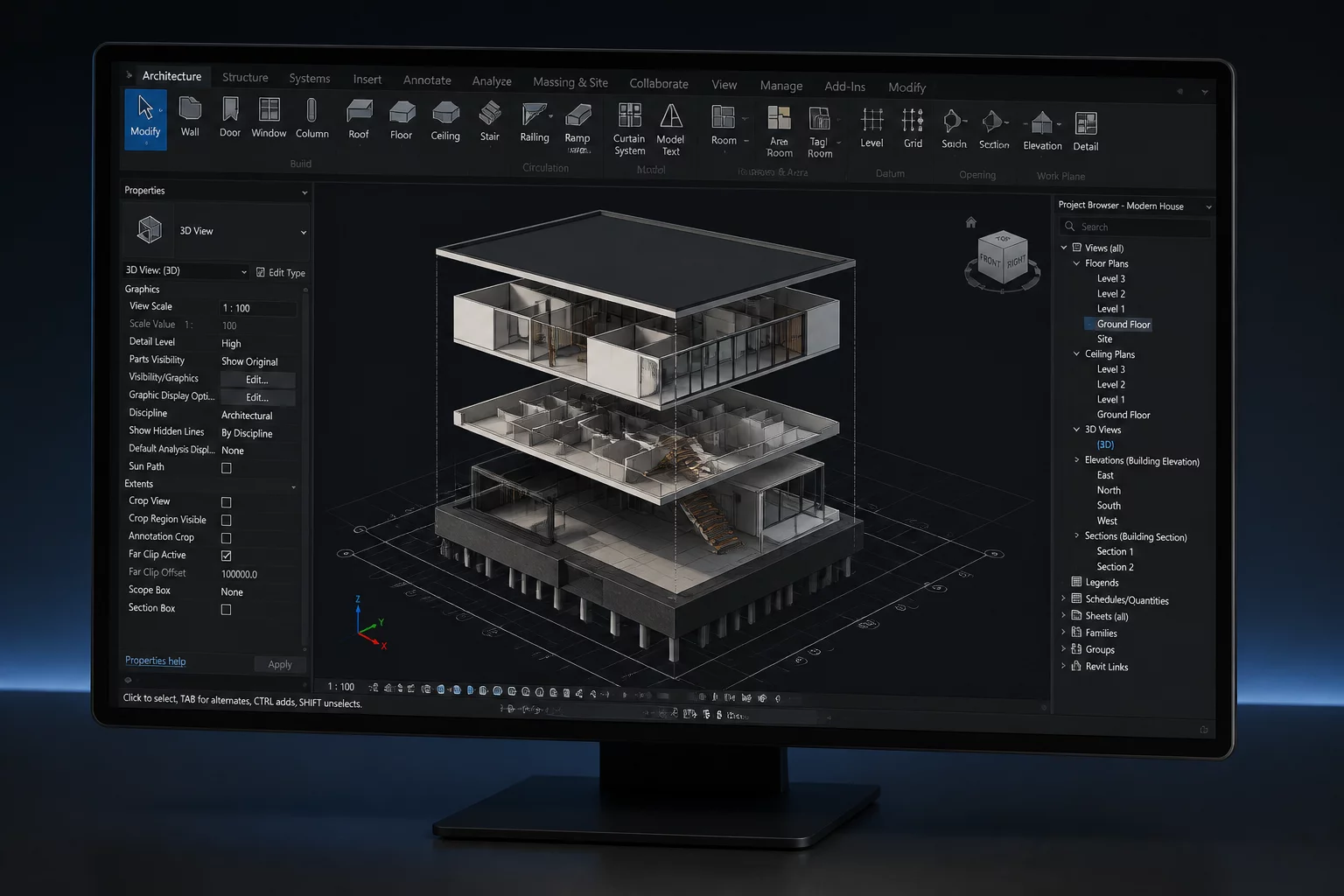
Mastering Layer Visibility
Strategies for managing design layer visibility across complex project viewports without conflicts.
 Best Practice
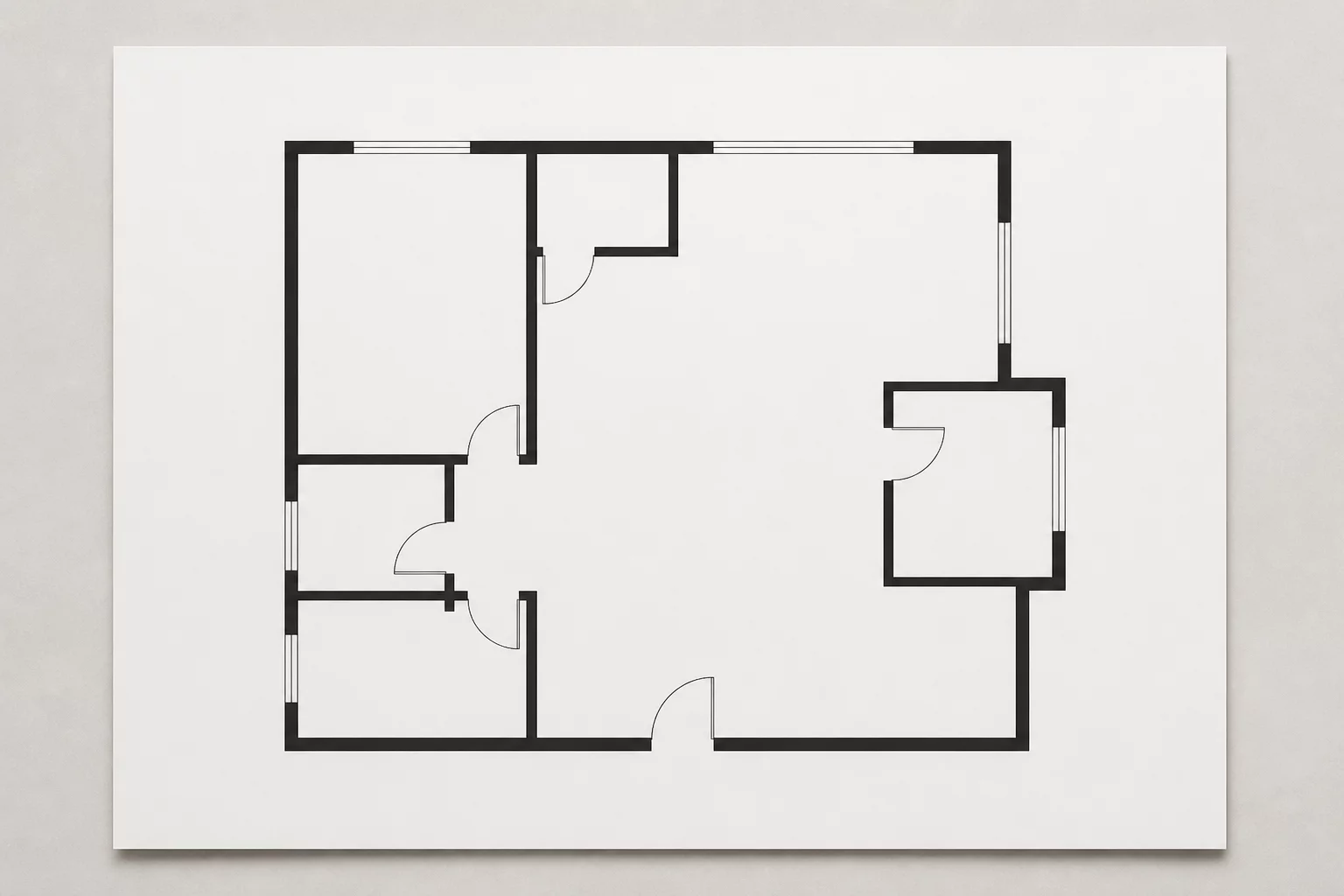
Intentional Omissions in Plans
Why deliberately suppressing non-essential geometry is essential for building readable construction sheets.