
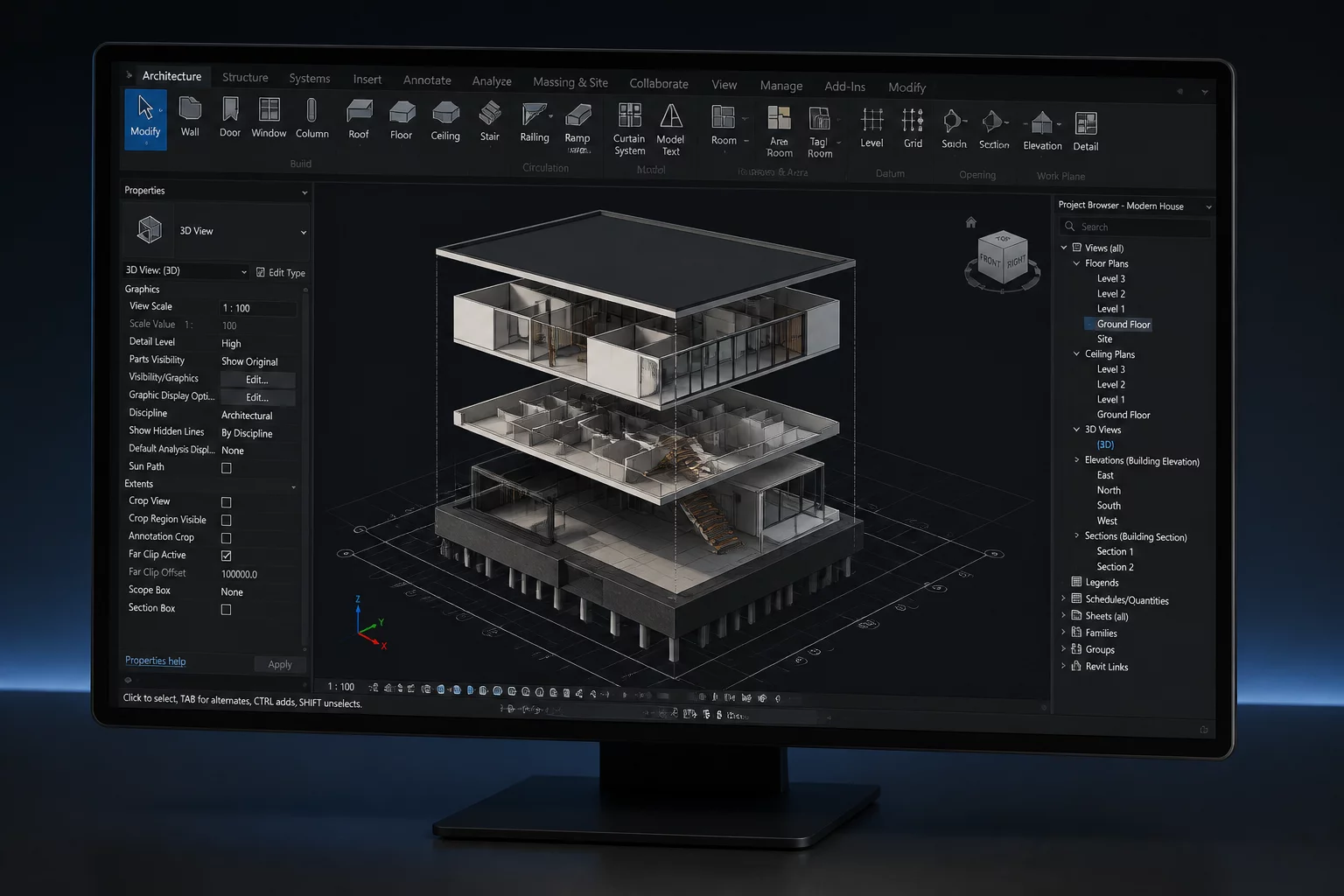
Isolating Intent Across Distinct Viewports
Architectural models contain dense geometry across multiple design layers, ranging from structural framing and partition layouts to ceiling grids and MEP coordination runs. Displaying every active layer inside a single drawing creates overwhelming visual noise. The core principle of viewport management requires each sheet layer drawing to isolate only the layers necessary to answer its specific question.
Rather than toggling global layer visibility across the entire Vectorworks design space, viewports allow granular layer overrides. By assigning explicit visibility states (Visible, Invisible, or Grayed) directly within the viewport properties, drafters maintain a single source of model truth while presenting radically different visual narratives on separate construction sheets.
Core Rules of Layer Visibility
-
1
One Layer Purpose: Assign geometry to dedicated design layers based on vertical elevation and physical construction discipline rather than drawing type.
-
2
Viewport Independence: Configure layer visibility inside viewport dialogs so changes to the active design space do not pollute published sheets.
-
3
Strategic Graying: Use the Gray visibility state to provide contextual spatial cues without competing against primary foreground annotations.
-
4
Saved Viewport Styles: Transfer established layer visibility sets across multiple sheets using viewport styles to maintain rigorous drawing standard consistency.
"A drawing achieves perfection not when there is nothing left to display, but when every visible layer directly serves the reader's immediate decision."
Overcoming Common Layer Coordination Pitfalls
A frequent failure point in complex documentation sets occurs when newly created design layers automatically turn visible in existing viewports. This default behavior forces team members to audit every printed sheet manually. Establishing rigorous template standards where new layers default to invisible protects finalized drawing sheets from unintended graphical intrusion.
Layer stacking order inside viewports also dictates graphical hierarchy. When coordinating architectural background plans with consultant overlays, adjusting the viewport layer stacking order ensures that boundary lines and dimension callouts remain crisp and unclipped above dense background fills.
Elevate Your Drawing Communication
Access our comprehensive guide on viewport standards and intent-driven architectural sheet composition.
Layer Visibility Questions
Related Viewport Tutorials
 Foundation
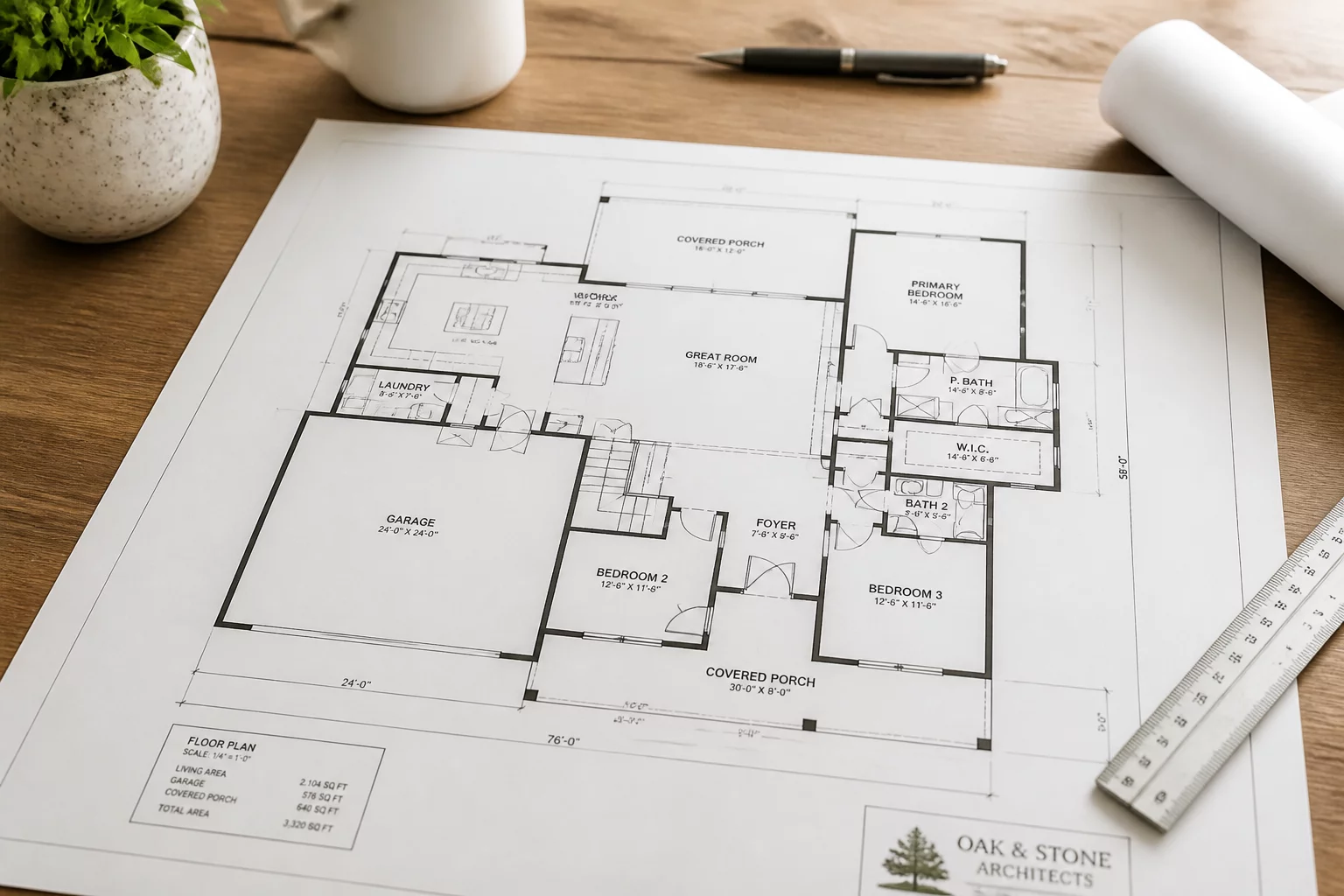
Defining the Audience First
Learn why identifying the reader is the first step in viewport setup and sheet planning.
 Annotation
Question Driven Annotation
How to annotate based on the specific question the drawing answers for its reader.
 Best Practice
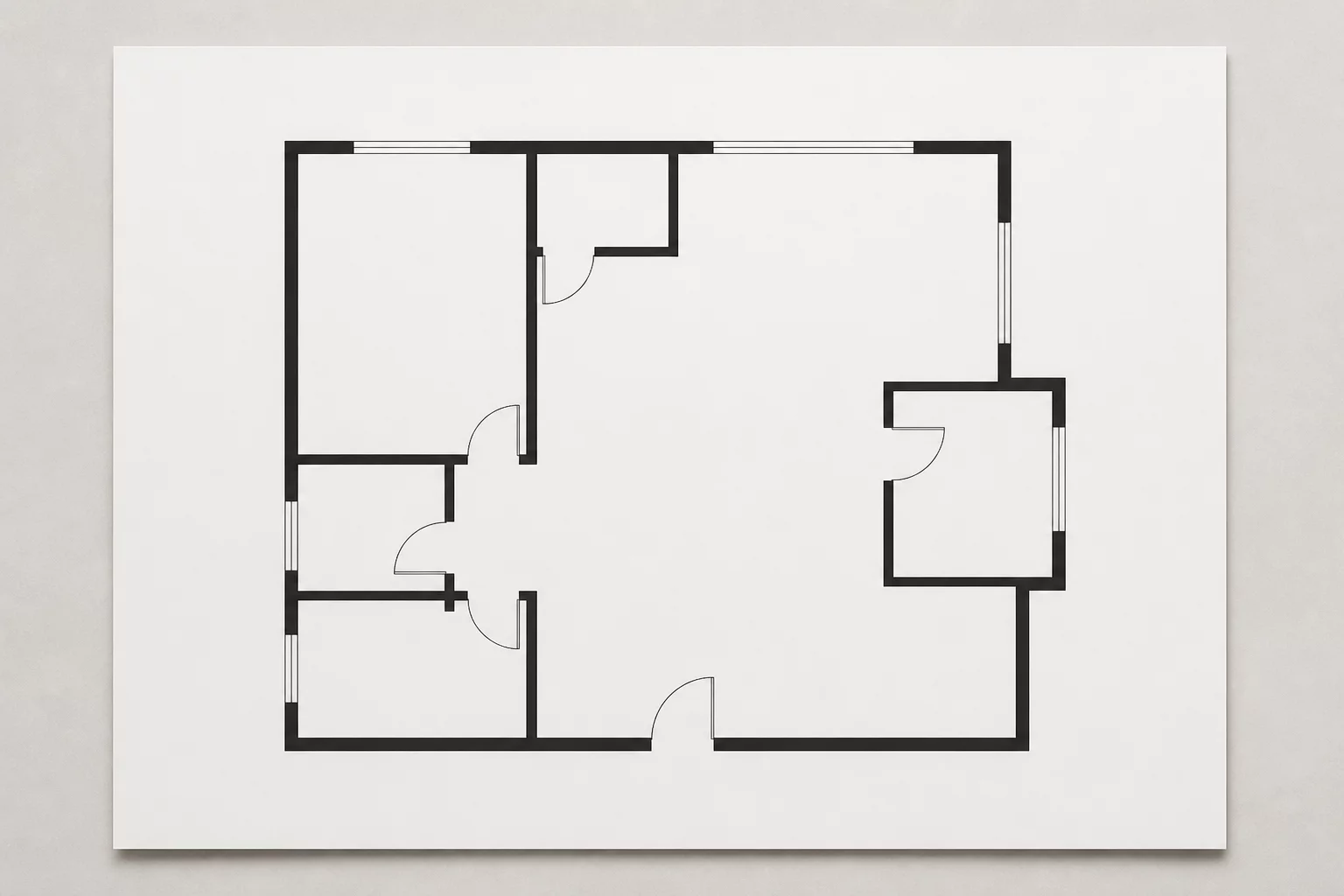
Intentional Omissions in Plans
Why hiding superfluous information is just as important as showing critical geometry.