

Defining Drawing View Intent in Vectorworks Projects
Use Layers, Classes, and Viewports to Support a Clear Drawing Question
Explore an independent case about choosing what a Vectorworks viewport should reveal, suppress, emphasize, and annotate for a specific reader.
One Model, Three Sheet Purposes
The underlying Vectorworks BIM model retains identical architecture, partitions, furniture, existing conditions, and proposed interventions. The drawing intent changes entirely based on viewport visibility and class overrides.
Sheet A: Coordination
Multidisciplinary ReviewDisplays full structural, architectural, and spatial envelope classes. Uses neutral line weights to ensure clash detection without visual bias.
Sheet B: Demolition
Contractor Scope FocusEmphasizes elements scheduled for removal with heavy dashed line overrides. Fades retained architectural context to 30% gray opacity.
Sheet C: Presentation
Client & Stakeholder ApprovalHides internal technical classes, structural grid lines, and dimensional strings. Introduces tonal fills and furniture layout hierarchies.
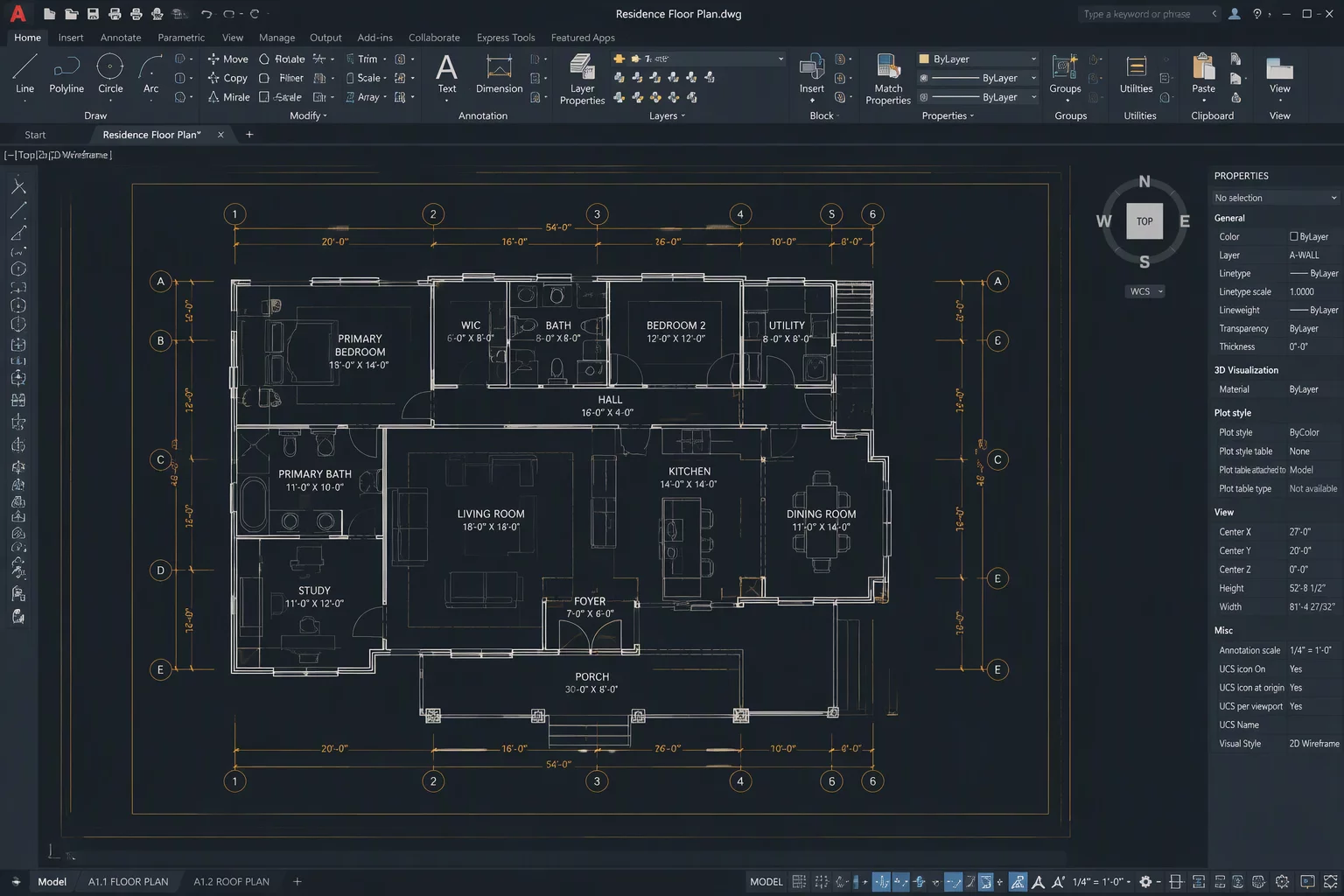
In the coordination setup, every design layer remains active. Viewport class overrides are disabled so raw model lineweights represent exact build geometry without interpretive styling.
Essential Questions for Drawing Review
Before publishing any sheet-layer viewport, run your configuration through these critical editorial questions to guarantee drawing clarity.
Target Reader
Who will read this sheet? Is it a municipal plan reviewer, an on-site framing contractor, or an interior design client?
Primary Decision
What specific decision or action should the reader make directly from this sheet without requesting clarification?
Necessary Classes
Which Vectorworks classes are strictly required to communicate the scope, and which introduce unneeded visual noise?
Context vs Focus
Which design layers provide background context only and should be set to grayed visibility or lower pen thickness?
Intentional Hiding
What should intentionally be hidden from this sheet to prevent misreading, scope confusion, or unnecessary visual clutter?
Override Integrity
Does an applied class override clarify essential intent, or does it risk distorting critical technical standards?
Annotation Scope
What information belongs in viewport annotations (keynotes, tags, dimensions) rather than direct model geometry?
Product Boundary
Vectorworks provides the external modeling and drawing environment, including design layers, sheet layers, classes, viewports, visibility controls, and annotations.
ViewIntent Sheetbook independently publishes educational cases about drawing purpose and information selection to assist architects, drafters, and designers in communicating with intent.