Visual Depth and Intent in Section Cuts
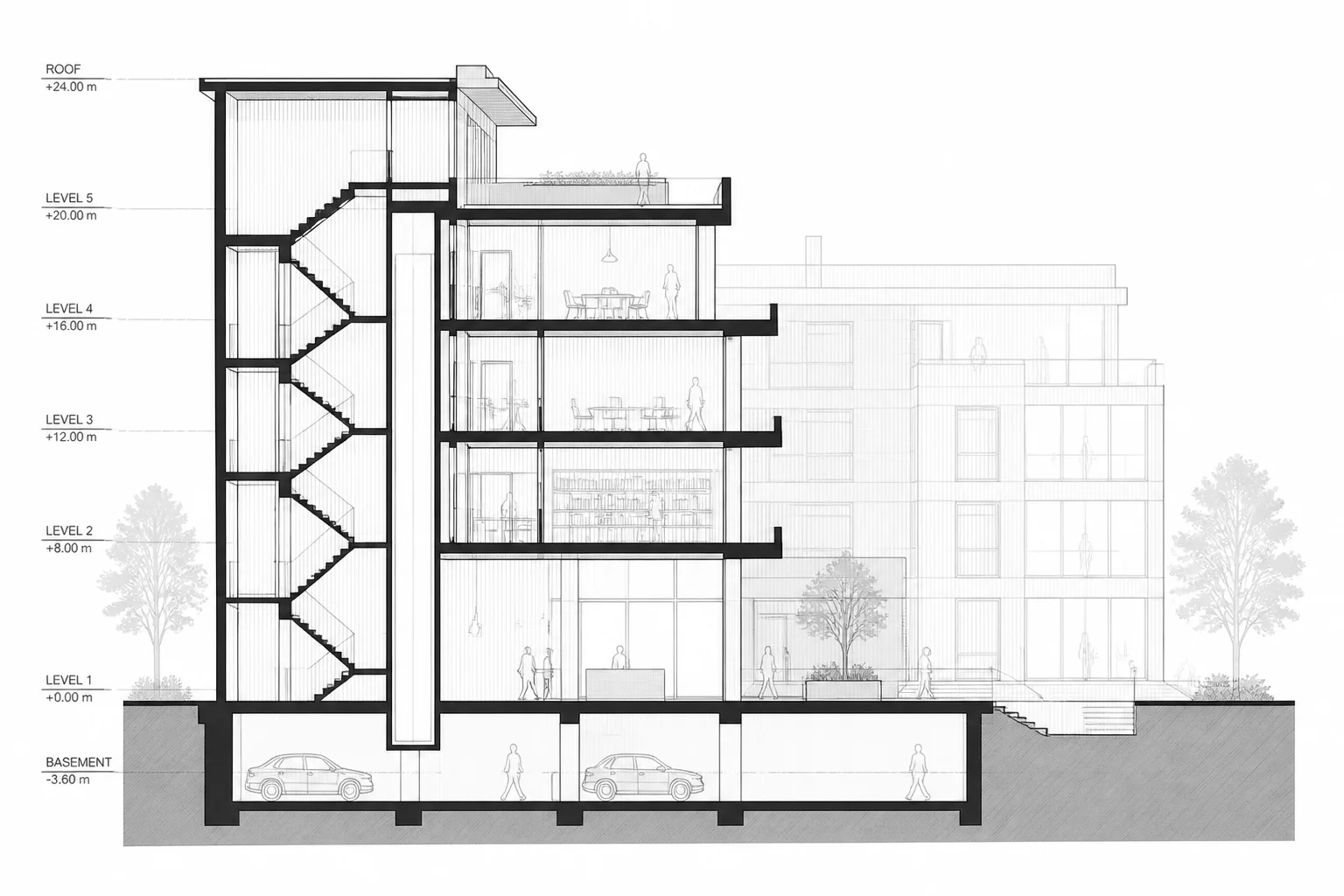
Section drawings communicate vertical relationships, interior volumes, and material transitions within a single coordinated cut. When every background element renders with uniform pen weight and opacity, background joinery and distant structural frames visually clash with foreground cut planes. Depth cueing directly solves this spatial flattening by dynamically modulating line contrast, tint, and opacity based on geometric distance from the cut line.
Inside Vectorworks 2026, depth cueing functions seamlessly across sheet layer section viewports. The feature establishes clean spatial boundaries without requiring manual class overrides or tedious duplicate view layering. Drafters can set start distances, falloff gradients, and atmospheric fade values to ensure contractors immediately recognize what is sliced, what is proximate, and what rests in the distant background.
Technical Principles for Viewport Depth Cueing
-
1
Distance Range Calibration: Set start and end depth thresholds directly within viewport advanced properties to isolate primary structural frames from distant background geometry.
-
2
Dynamic Pen Attenuation: Far objects automatically reduce stroke weight and adopt muted tone values without altering source model class properties or attributes.
-
3
Cross-Discipline Legibility: Mechanical runs, background casework, and structural grid lines remain readable while keeping primary architectural assemblies distinct.
-
4
Vector & Raster Compatibility: Depth fading operates consistently across Hidden Line, Shaded, and Renderworks background rendering modes on sheet layers.
"Effective section viewports must instantly answer what is sliced versus what is seen in the distance. Depth cueing eliminates the cognitive friction of flat linework."
Implementation Steps in Vectorworks 2026
Activate depth cueing on any section viewport by navigating to the Object Info Palette (OIP) and opening Advanced Properties. Under the Display tab, enable Depth Cueing and select the attenuation curve that best matches your drawing scale. For 1:50 or 1/4" sections, a linear falloff starting just behind the cut plane provides immediate clarity.
Fine-tune the distant opacity and line weight scale factor. A target background opacity of 35% combined with a 0.50 line weight multiplier retains essential details while preventing distant geometry from overwhelming critical structural tags and elevation dimensions.
Align Your Sheet Layers with View Intent
Explore our comprehensive guide to architectural sheet setup and learn how to construct intentional viewports across every design phase.
Frequently Asked Questions
Related Technical Articles
 Update 7
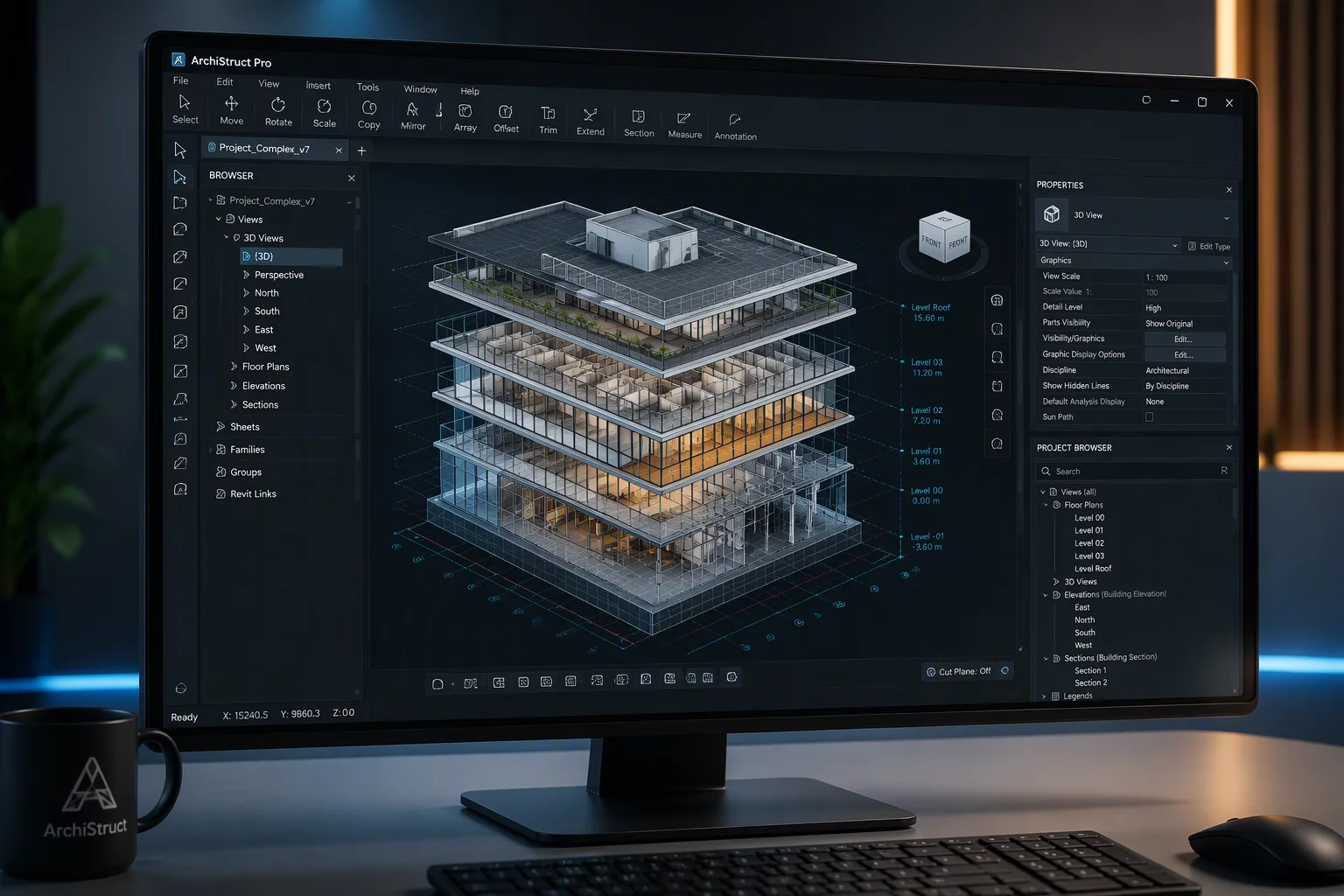
Vectorworks 2026 Update 7 Improvements
Vectorworks 2026 Update 7 improved interface stability and fixed data exchange errors across referenced workgroups.
 Vectorworks 2027
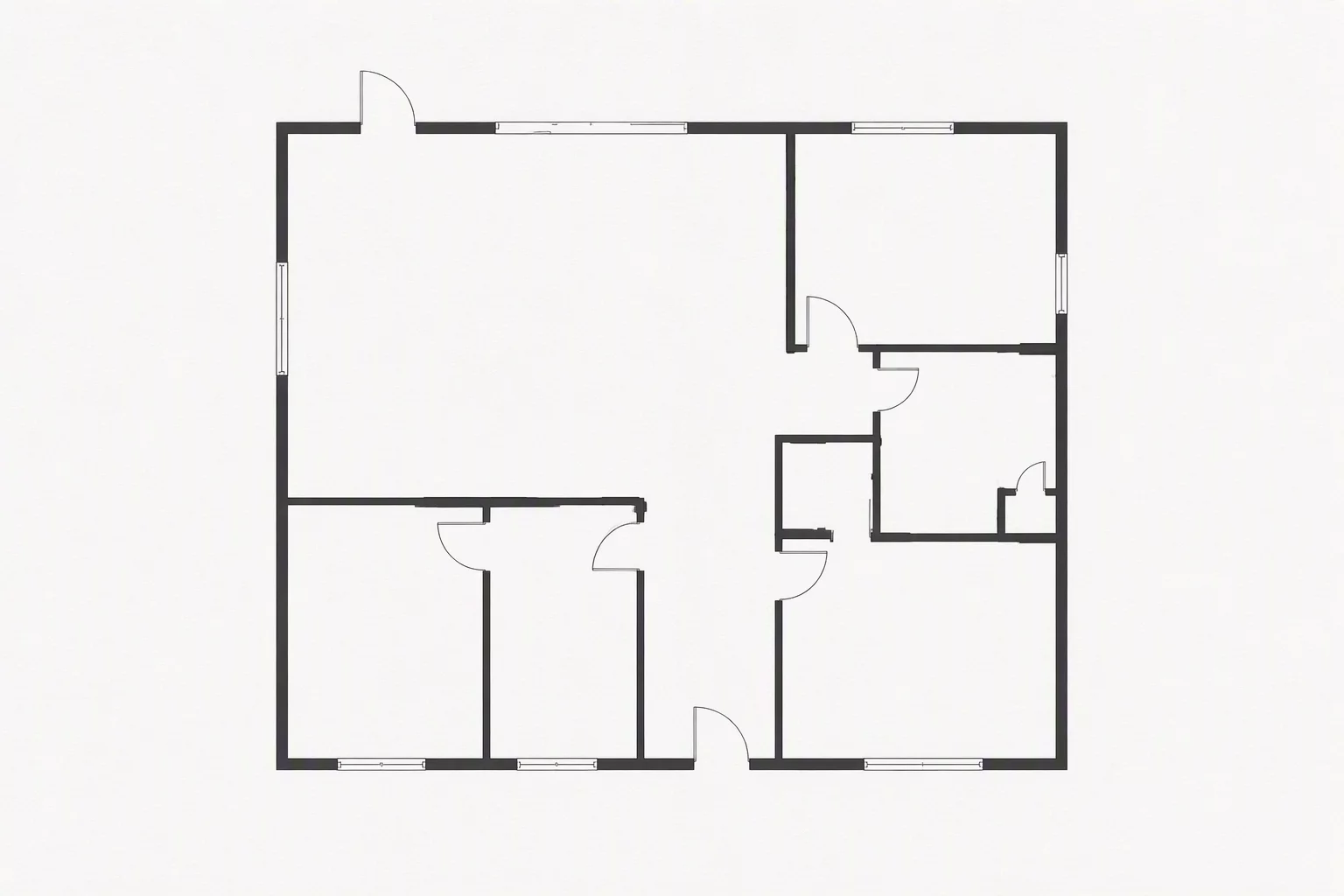
Clip Cube Viewport Option 2027
Previewing dynamic clip cube viewport generation tools scheduled for release in the Vectorworks 2027 lineup.
 Presentation
Rendering Styles and Clip Cubes
Strategies for combining custom Renderworks background styles with section cuts and clipping volumes.