Stabilizing Drawing Production and Interface Response
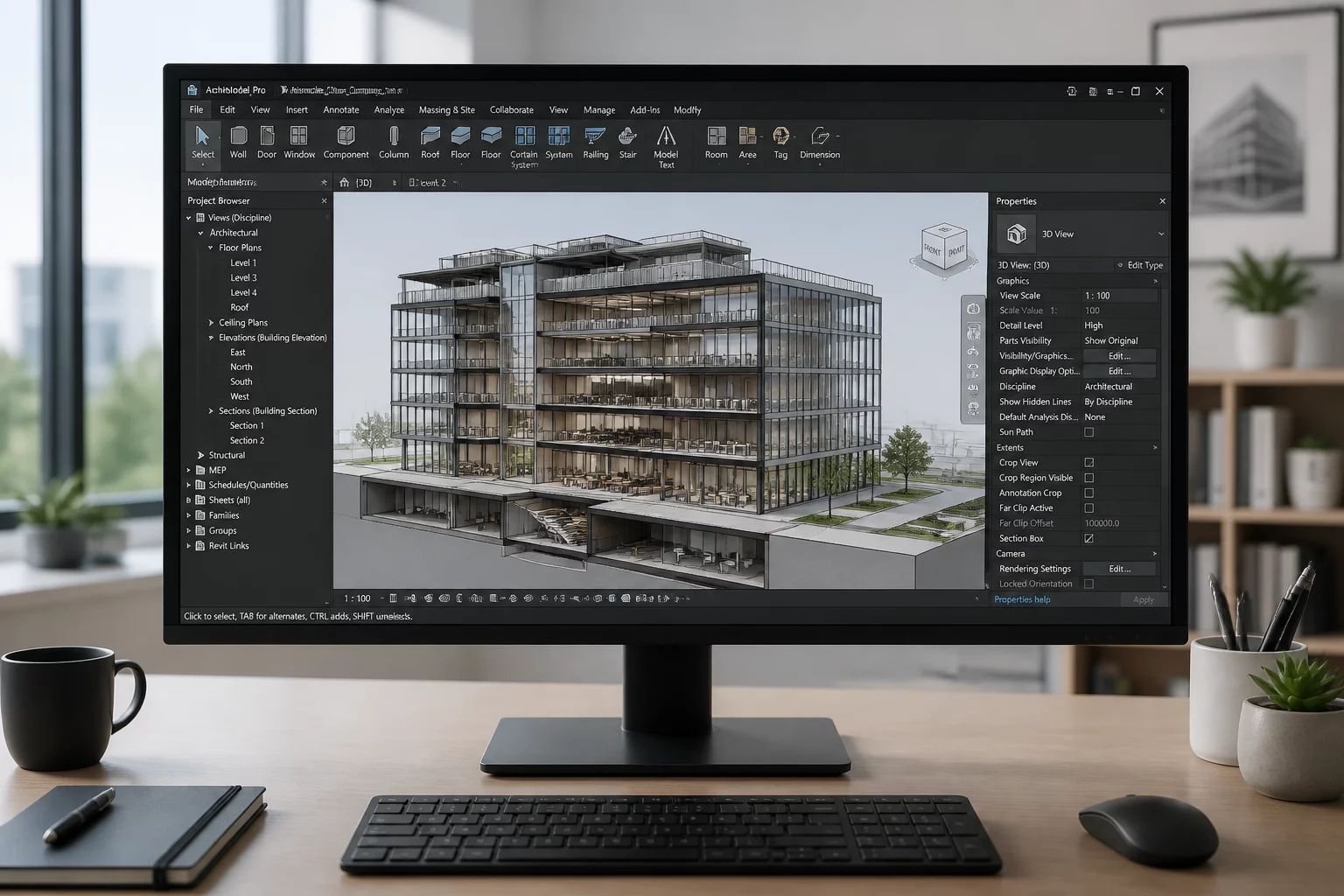
Vectorworks 2026 Update 7 delivers targeted maintenance focused on drafting stability, viewport responsiveness, and reliable data interchange across multi-disciplinary project teams. Rather than introducing experimental features, this maintenance release resolves background memory leaks during intensive Sheet Layer navigation and eliminates unexpected viewport redraw stalls on high-resolution multi-monitor setups.
Architects and drafters managing complex multi-sheet drawing sets will notice an immediate improvement in palette docked state preservation and smoother transitions between design layers and sheet viewports. The update reinforces drawing view intent by ensuring referenced graphic attributes remain strictly consistent across background viewport regenerations.
Core Technical Advancements in Update 7
-
1
Memory Footprint Optimization: Background cache handling prevents palette freezing and unexpected shutdowns during heavy batch sheet exports.
-
2
Data Exchange Interoperability: IFC4 classification mapping and complex DWG 2D and 3D boundary translation errors have been completely resolved.
-
3
Viewport Redraw Accuracy: Section viewport depth cueing and hidden line background renders now maintain crisp vector edges without geometry clipping.
-
4
Referenced Layer Fidelity: Design layer references maintain accurate layer stacking order and class override visibility upon automatic project reloads.
"Update 7 solidifies workspace stability and data interchange accuracy, giving drafting teams dependable performance during critical deadline sheet publishing."
Resolving Data Exchange Errors and Preserving View Intent
Prior to Update 7, importing multi-layered IFC models from structural consultants occasionally led to misplaced spatial bounds and phantom class creations that cluttered project navigation. The current patch enforces stricter IFC entity validation, preventing corrupted external geometry from overriding local sheet visibility rules.
Furthermore, batch PDF and DWG publishing workflows now correctly preserve custom line types and opacity settings without rasterizing vector annotations. This ensures that every drawing sheet communicates its intended visual hierarchy cleanly to contractors, permitting authorities, and client stakeholders without unexpected graphical shifts.
Align Your Sheet Setups with View Intent Standards
Explore standardized view intent matrices to structure your Vectorworks sheet layers, viewport classes, and graphic overrides effectively.
Update 7 Frequently Asked Questions
Recommended System Workflows
 Best Practices
Interface Stability Best Practices
Proven configuration strategies for maintaining smooth palette docking and rapid viewport regeneration.
 Diagnostics
Data Exchange Error Resolutions
Step-by-step diagnostic workflows for resolving IFC mapping discrepancies and DWG translation inconsistencies.
 References
Referenced Viewport Reliability
Methods to structure external design layer references to minimize sync latency and protect drawing view hierarchy.