
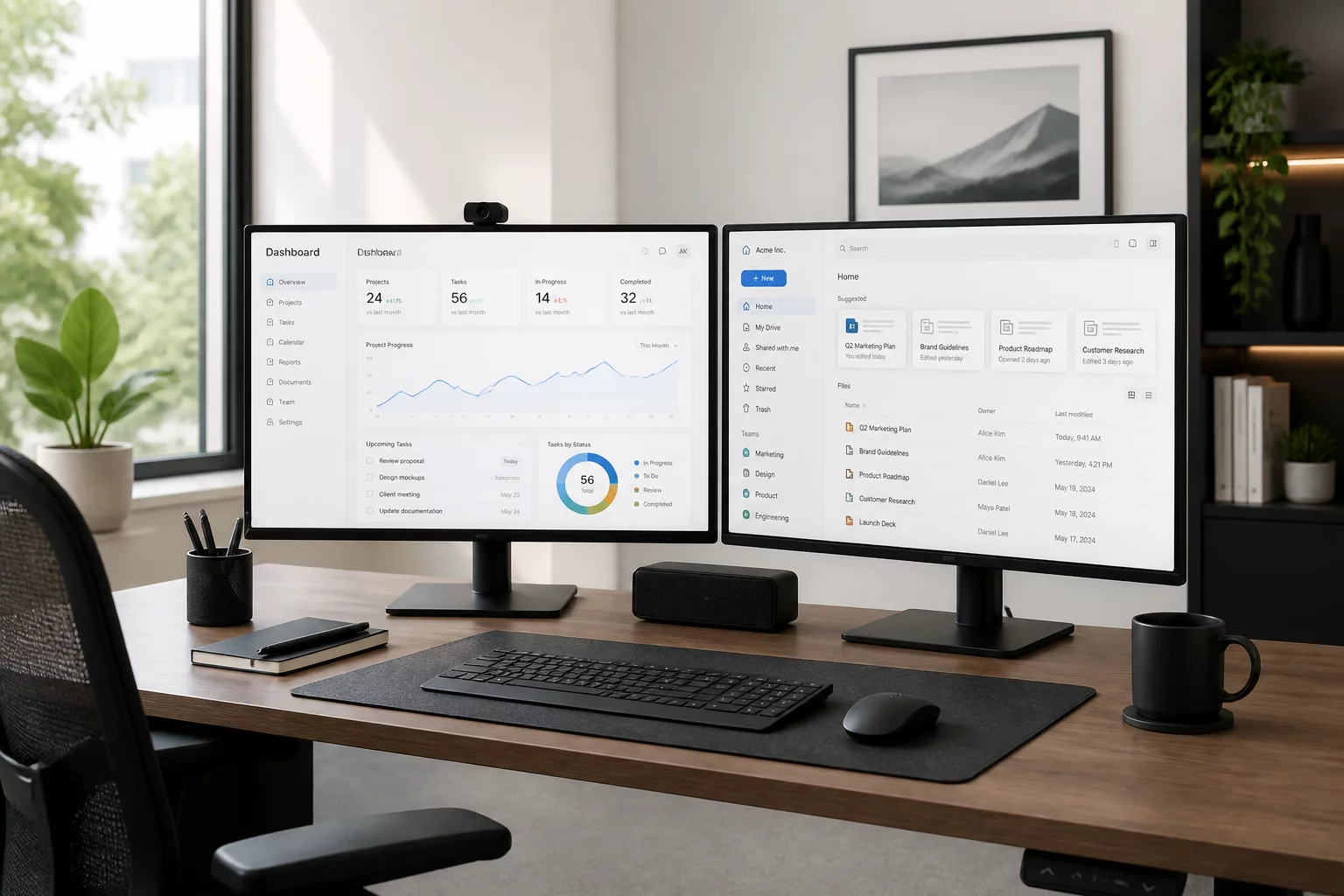
Establishing a Resilient Digital Workspace
High-density architectural documentation demands an interface that handles complex viewport geometry and palette docking without visual lag. Following Vectorworks Update 7, stability improvements require thoughtful workspace configuration. Keeping your active toolsets structured and viewport navigation optimized prevents unnecessary display stalls when jumping between intricate design layers and sheet layers.
Palette configurations directly influence graphics memory allocation. When multiple floating dialogs remain open across secondary displays, viewport redrawing can trigger background sync delays. Docking primary toolsets into consolidated palette groups streamlines processing cycles and eliminates sudden screen flickering during heavy model rendering.
Core Stability Guidelines for Update 7
-
1
Palette Management: Dock auxiliary toolsets into pinned tabs rather than floating windows across multiple secondary screens.
-
2
Navigation Graphics: Configure Vectorworks Graphics Module (VGM) to Best Performance mode when dealing with dense multi-viewport sheet layers.
-
3
Cache Purging: Schedule regular local temporary cache purges to clear out stale undo buffers and texture reference fragments.
-
4
Reference Linking: Verify target referenced viewport layers and keep external xref definitions up to date to minimize read interrupts.
"Interface responsiveness is not merely a convenience; it dictates the precision of every section crop and viewport annotation in your drawing set."
Fine-Tuning Graphics Pipeline and Viewport Integrity
Drawing sheet layer setup becomes significantly more robust when background render modes match the underlying viewport intent. Avoid leaving resource-heavy hidden line computations active inside working design views. Instead, isolate detailed render pipelines strictly within cropped sheet layer viewports to prevent memory fragmentation.
In multi-disciplinary teams, maintaining clean class structures prevents ghost geometry from burdening the display engine. Regularly auditing unused symbols and nested groups keeps the interface agile even during prolonged production sessions with demanding file architectures.
Optimize Your Viewport Architecture Today
Master how view intent isolates drawing information and accelerates sheet preparation across complex project models.
Frequently Asked Questions
Related Technical Guidance
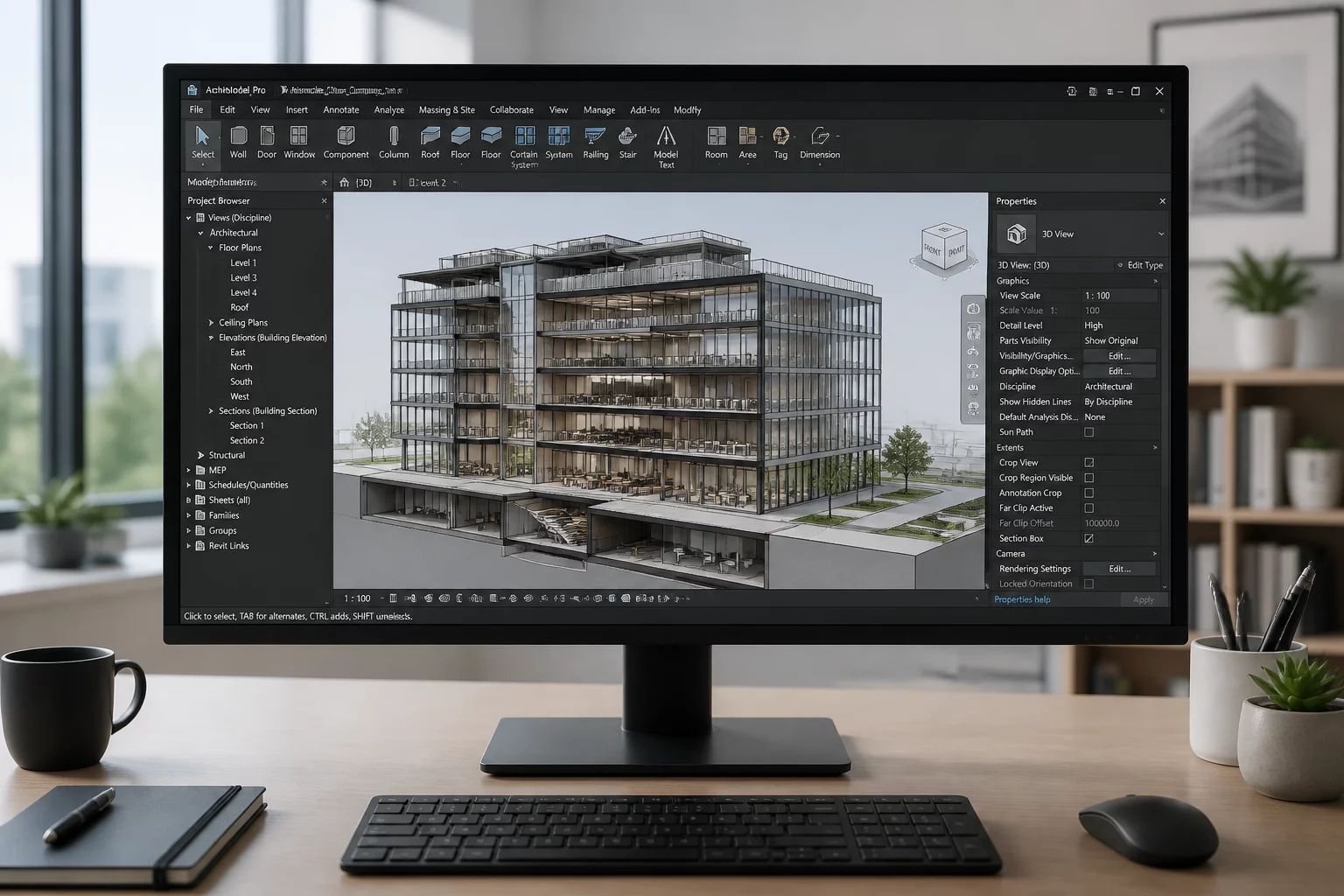 Performance
Vectorworks 2026 Update 7 Improvements
Vectorworks 2026 Update 7 improved interface stability and fixed data exchange errors across architectural project setups.
 Troubleshooting
Data Exchange Error Resolutions
Learn how to handle and resolve common data exchange errors during IFC and DWG cross-platform workflows.
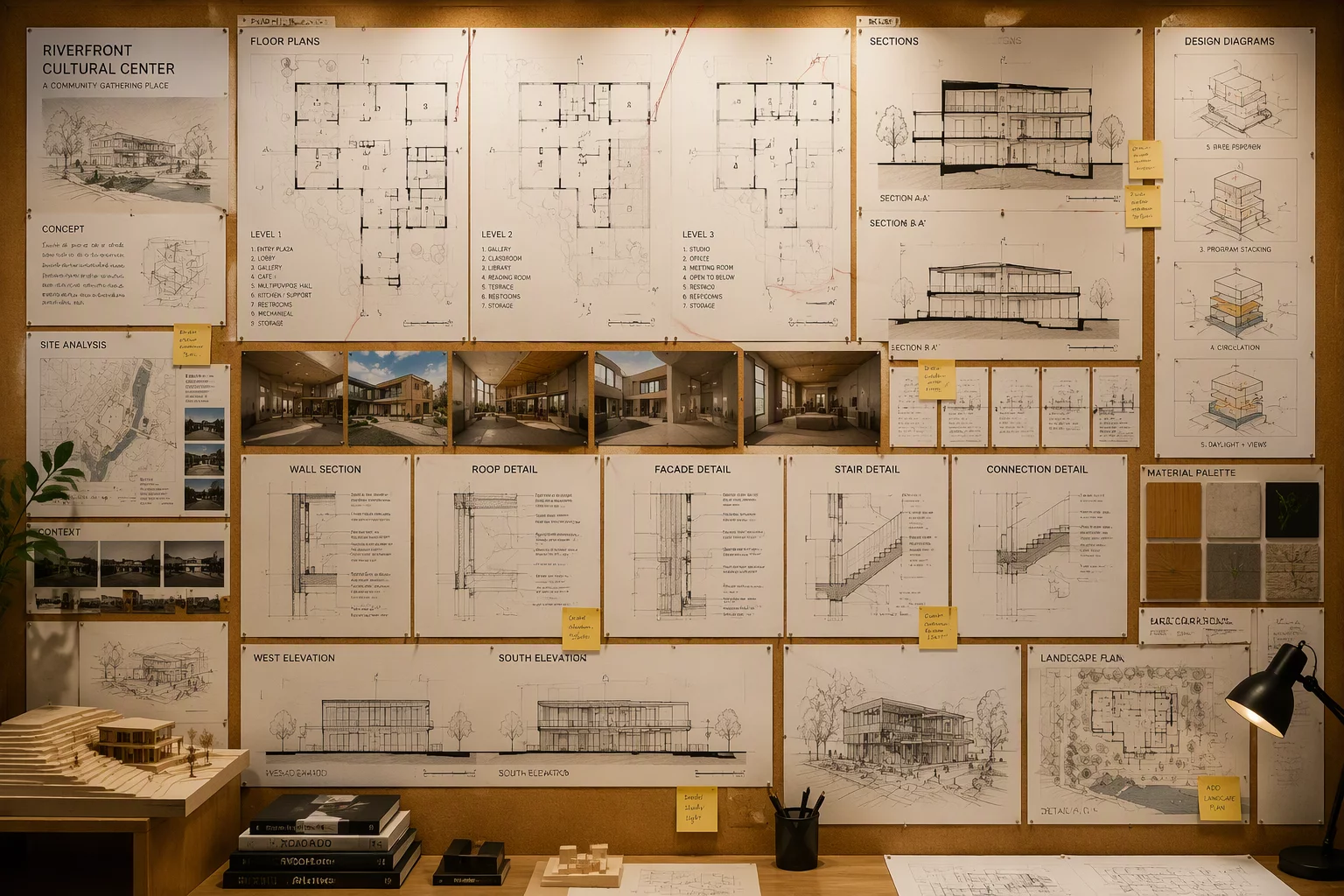 Viewports
Referenced Viewport Reliability
Practical strategies for enhancing the reliability of referenced viewports in complex multi-file architectural projects.